 Formidable Studio
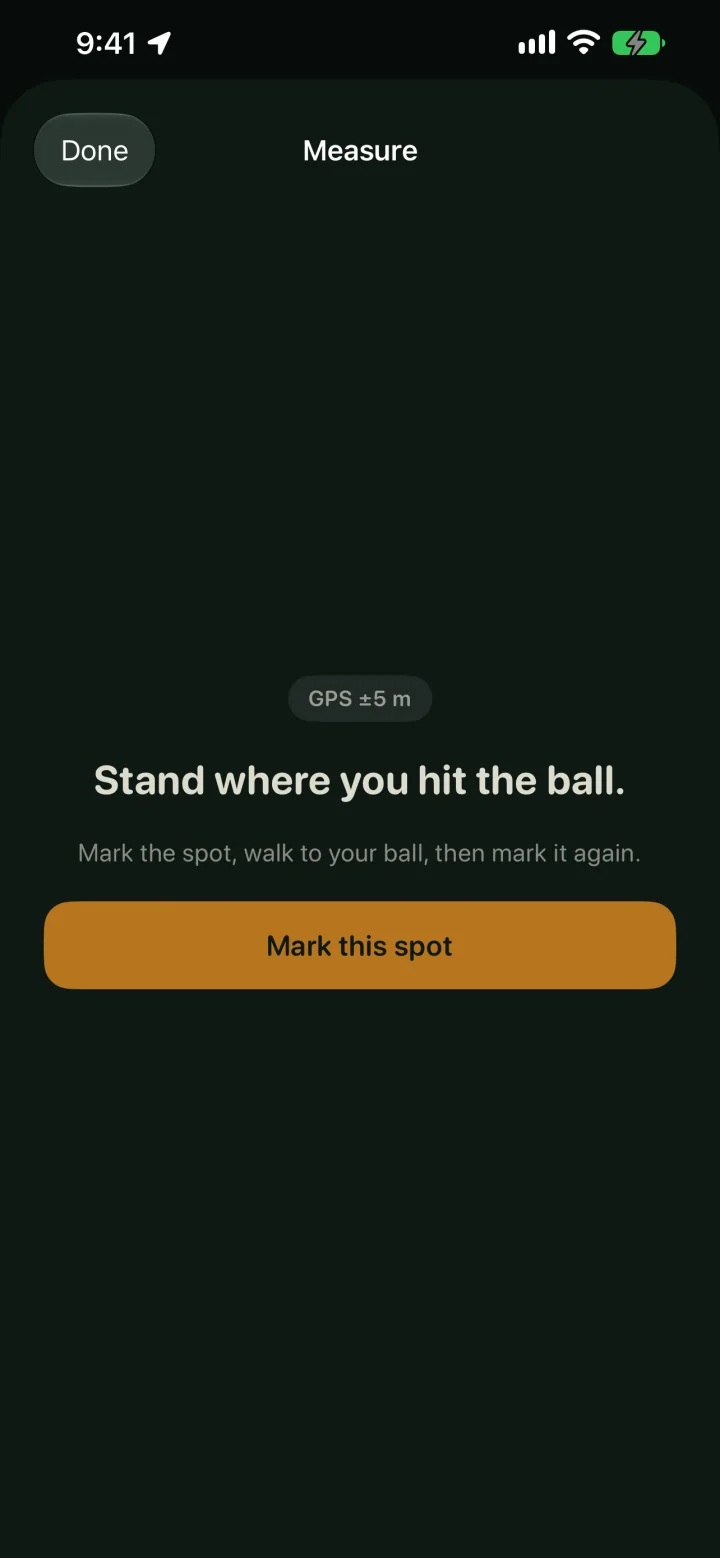
Mark the spot
Tap Mark start on your watch before you swing.
How far you actually hit it
Most golf apps hand you a distance chart and let you guess where you fit. Shotline marks the spot you swung from, follows you to your ball, and tells you exactly how far it finished: the number that decides your next club.
No phone out of your pocket, no course to download, no hole to set up before you play.
Tap Mark start on your watch before you swing.
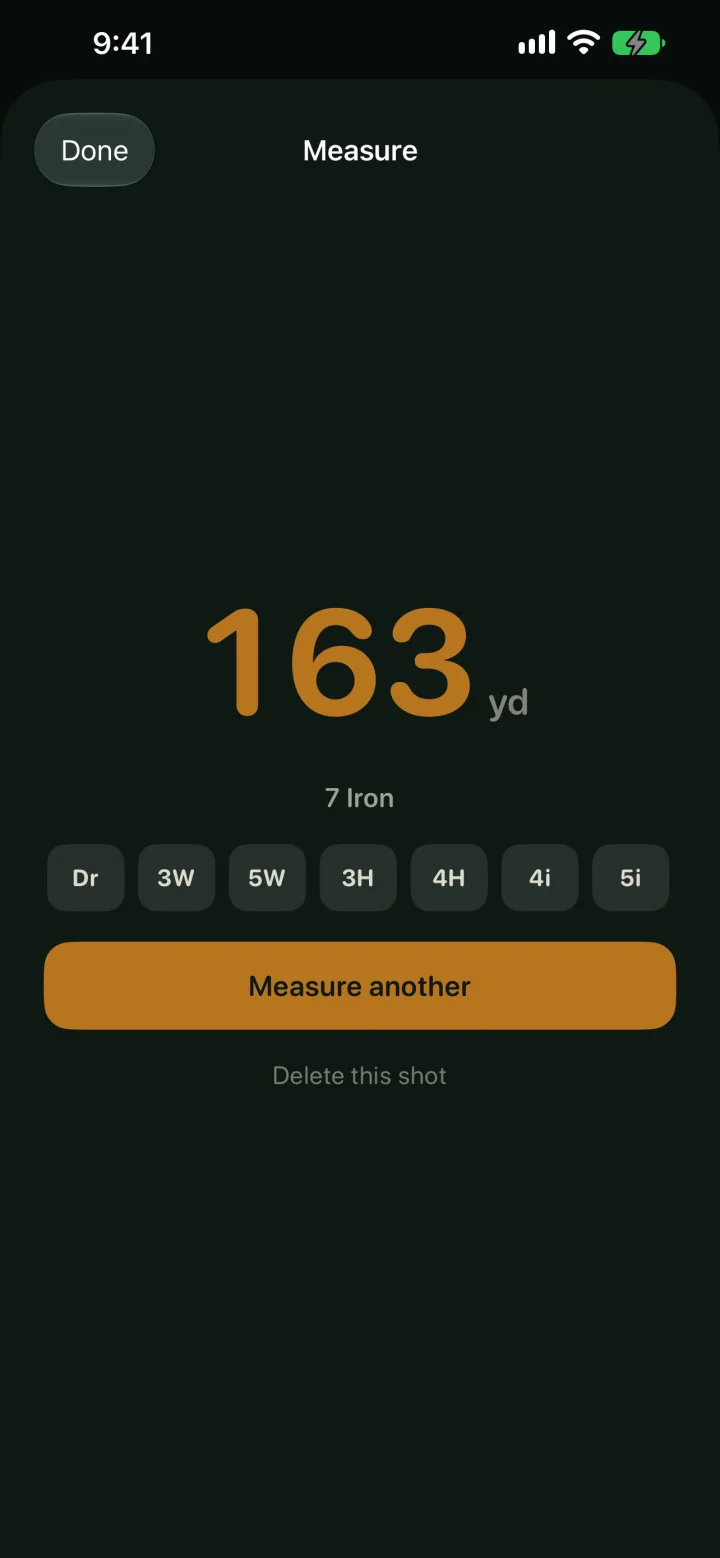
Walk to where it finished and tap Mark ball.
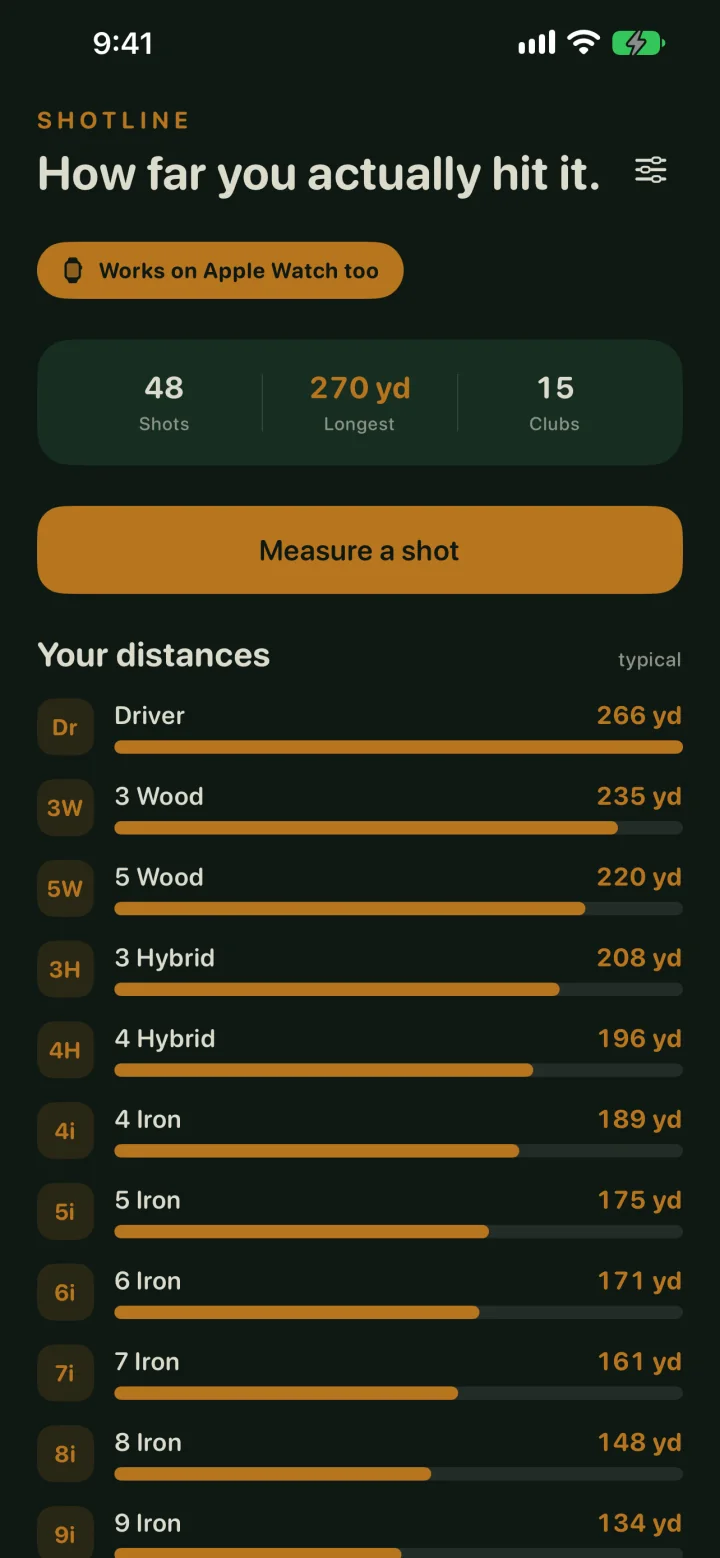
Pick the club and Shotline builds your bag from real swings.
Every club gets a typical distance, a best strike, and the honest spread in between, all drawn from your swings instead of an average golfer’s.
One shank on a wet Tuesday never moves the number you rely on.
Dial in a yardage and Shotline names the club, with the distance and shot count it’s basing that on.
See where your bag has a hole in it: the yardage no club in your set actually covers.
Every shot is drawn twice: the ball’s straight line and the path you walked. Filter to one hole or watch the whole round.
Runs on its own on your wrist, with haptics on every mark. Optionally saves the round to Apple Health as a golf workout with its route.
Shotline collects nothing. No account, no sign-up, no server. Rounds live on your devices, and you can export any round as CSV.